
This is a quick start guide that introduces the basic operations of ECOSYS P6235cdn and ECOSYS P7240cdn. For other information, please refer to the Operation Guide on the Product Library disc.
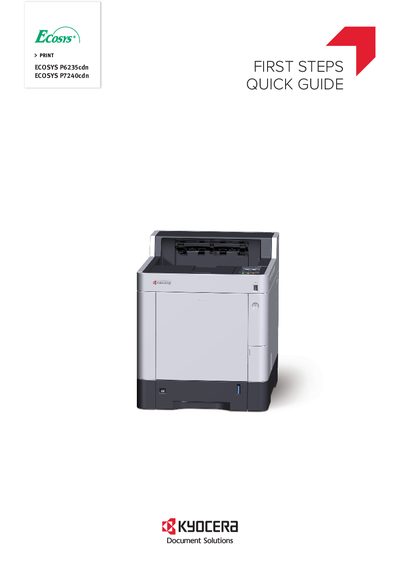
This guide provides step-by-step instructions for initial setup, including unpacking, connecting cables, loading paper, and powering on the printer. It also covers basic operations such as printing status pages and adjusting settings like altitude. For more detailed information, users are directed to the Operation Guide available on the Product Library disc.
This guide only explains the basic operations of the machine.
Altitude adjustment is available for settings of 1001 - 2000m and 2001 - 3000m.