
Brother ECOSYS P6230cdn First Steps Quick Guide

This is a quick guide that introduces how to use this printer.
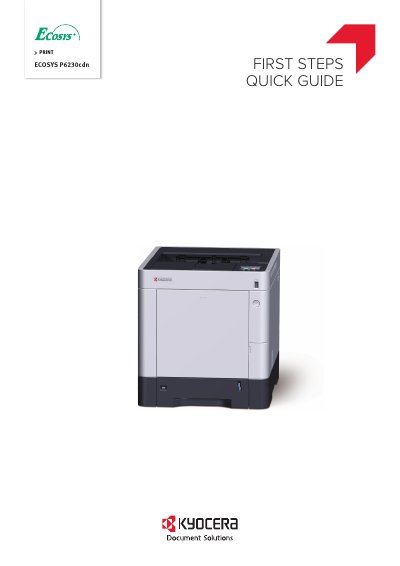

Brother ECOSYS P6230cdn First Steps Quick Guide - cover page
Brand
Brother
Category
Printer
Document type
Quick Start Guide
Language
English
Pages
35
File format
PDF
File size
6.9 MB
Published
17 October, 2023
Updated
17 October, 2023
MD5 checksum
4F92AD244EE51A740A6D5AE3EBAA13B8

About this manual

This document serves as a First Steps Quick Guide for the Brother ECOSYS P6230cdn printer. It explains only the basic operations of the machine and directs users to the Operation Guide on the Product Library disc for further information. The guide is available in multiple languages, including English, Chinese, and others.

What's inside

  • Preface
  • Unpacking
  • Setting up the Toner Container
  • Connect Cable
  • Connect Power Cord
  • Loading Paper
  • Replace Operation Panel Sheet
  • Power On
  • Altitude Adjustment
  • Report Print

Frequently asked questions

What is the model of the printer?

The model is ECOSYS P6230cdn.

What is the purpose of this guide?

This guide explains the basic operations of the machine.

What is required to connect the printer to a network?

A cable supporting 10Base-T/100Base-TX/1000Base-T Ethernet.

Download PDF (6.9 MB)

More Brother Manuals


View all Brother manuals →