
Extron System 5 IP Setup Guide

This document is an instruction manual for Extron System 5 IP. It covers setup guide, checklist and configuration.
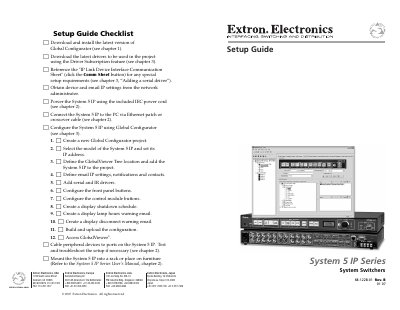

Extron System 5 IP Setup Guide - cover page
Brand
EXtron
Category
Other Electronics
Document type
User Manual
Language
English
Pages
27
File format
PDF
File size
2.2 MB
Published
17 October, 2023
Updated
17 October, 2023
MD5 checksum
74FFD16D0A39B1AC9AD4B19B64DB2AEB

About this manual

This document serves as a setup guide for the Extron System 5 IP. It outlines a checklist of tasks required to prepare the device for use, such as downloading the Global Configurator software and obtaining necessary network settings from an administrator. The guide emphasizes safety precautions regarding power sources and servicing before beginning the configuration process.

What's inside

  • Setup Guide Checklist
  • Safety Instructions
  • Powering the System
  • Connecting to PC
  • Configuring with Global Configurator
  • Adding Drivers
  • Configuring Buttons
  • Creating Schedules
  • Mounting the System

Frequently asked questions

What is the System 5 IP used for?

It is used to configure and manage display systems via Global Configurator and GlobalViewer.

What is required to connect the System 5 IP to a PC?

An Ethernet patch or crossover cable must be used.

What safety warning is given about the power cord?

Power cords should be routed so that they are not likely to be stepped on or pinched.

Download PDF (2.2 MB)

More EXtron Manuals


View all EXtron manuals →