
This is a user manual for the Extron ECP 1000. The manual describes the product's features and functions, and it provides instructions for installing, operating, and maintaining the product.
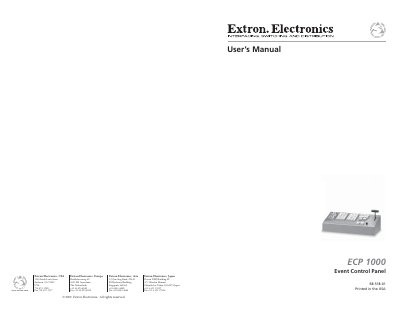
This manual guides users through installing and operating the Extron ECP 1000 event control panel, which connects to up to three SGS 408 seamless switchers. It explains how to program effects, adjust durations, and use the top panel controls for transitions like wipes, dissolves, and cuts. The guide also covers software setup and maintenance tasks such as cleaning the filter fan and installing firmware updates.
The ECP 1000 features 40 user-programmable presets, including 30 pre-programmed effects, and allows for custom button labeling. It supports simultaneous or synchronized effects across multiple screens and includes a T-bar controller for manual transition speed adjustment.
It attaches to up to three SGS 408 seamless switchers to control multiple screens in large staging applications.
It has 30 pre-programmed presets out of 40 user-programmable presets.
It supports 100VAC to 240V AC.
It displays the product name, attached screens, and default effect duration.