
This manual provides safety instructions for using the Extron Control for Microsoft® Teams Rooms® TouchLink® software, including warnings and cautions.
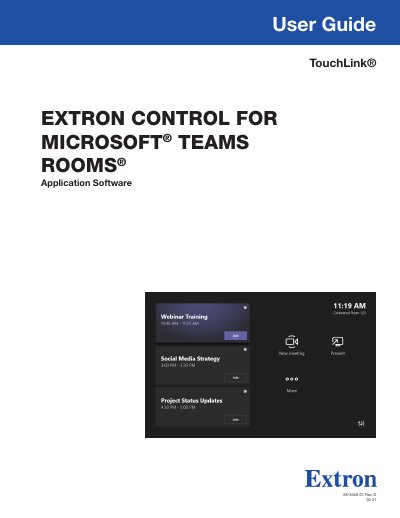
Extron Control for Microsoft Teams Rooms is an application that integrates Extron AV control with the Microsoft Teams Rooms application. It runs on various all-in-one units and touch controllers, such as the Logitech Tap, Lenovo Hub, and HP Elite Slice G2, allowing a single device to handle both collaboration and control solutions. The software can be deployed remotely via Microsoft System Center Configuration Manager (SCCM) or Microsoft Intune.
| Supported Devices | Logitech Tap, Logitech SmartDock, Lenovo Hub 500, Lenovo Hub Gen 2, HP Elite Slice G2, Poly GC8 |
|---|---|
| Required Processor | Extron IPCP Pro control processor |
| Software Requirements | GUI Designer version 1.11.0 or later |
| GCP Version | version 3.5.1.x or later |
| GS Version | version 2.2.0.x or later |
The application can be deployed either through an MSI file via the Microsoft System Center Configuration Manager (SCCM), or via Microsoft Intune.
It allows various room functions, including shading, lighting, display, and camera controls.