
This is the Celestron handheld digital microscope #44302-a / #44302-B manual
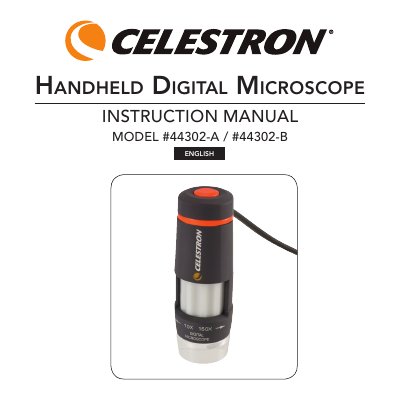
This document is the instruction manual for the Celestron Hand Held Digital Microscope, specifically models #44302-a and #44302-B. It serves as a guide for hobbyists, educators, and professionals to use the device for examining solid objects like coins, circuit boards, and specimen slides with magnification powers ranging from 10x to 150x.
| Magnification Power | 10 to 40x & 150x using a 19” Monitor |
|---|---|
| Illuminator Type | 6 White LEDs |
| Camera Sensor | 2MP CMOS Sensor – 1600x1200 pixel array |
| Weight and Dimensions | 4 oz (113 g) 4.25” x 1.25” (108 mm x 32 mm) |
| Measuring Accuracy | 1/100 th of a millimeter |
The microscope works with Microsoft Windows 7, XP and Vista. For most MACs, it requires image/photo capture software like iChat with Photobooth.
The LEDs automatically turn on when the USB cable is inserted into the computer's USB port.
It includes the Digital Microscope Suite CD-ROM which allows for visual purposes and imaging.