
The Celestron Smart DewHeater and Power Controller 4x is a smart dew heater and power controller that can provide smart and efficient power usage for up to four of your telescope system's dew heaters and up to four 12V DC devices, while also providing cable management for your setup.
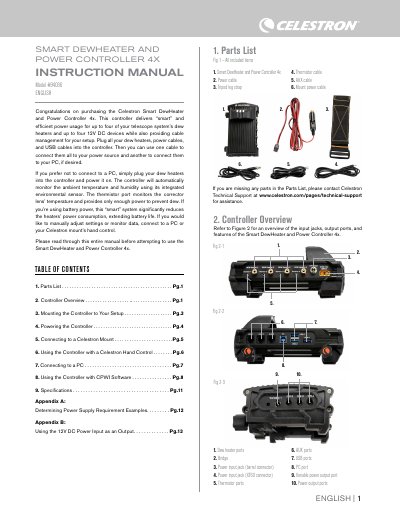
The Celestron Smart DewHeater and Power Controller 4x is a device designed to provide efficient power management for telescope setups. It can control up to four dew heaters and four 12V DC devices simultaneously. The unit features an integrated environmental sensor to automatically monitor ambient temperature and humidity, adjusting power to dew heaters to prevent condensation while extending battery life. It also includes a variable DC output port and a USB 3.2 hub for connecting cameras and other accessories.
| Dew Heater Ports | Up to 4 |
|---|---|
| 12V DC Power Output Ports | Up to 4 |
| Max Power per Dew Heater Port | 84W (7A max current) |
| Max Power per 12V DC Port | 84W (7A max current) |
| Variable DC Port Range | 3V to 12V |
| Max Power for Variable DC Port | 60W |
| USB Hub Ports | 3 |
| Max Total USB Power | 31.5W (6.3A max @ 5V) |
| Total Controller Power Limit | 240W (20A max current) |
It uses an integrated environmental sensor to monitor ambient temperature and humidity, then adjusts power to the corrector lens to prevent dew.
Yes, but you may need an optional thermistor probe for automatic control, or you can manually set the power output from 0% to 100%.
The specific port will automatically shut off to protect the circuitry, and you must reduce the load to re-enable it.
Yes, the USB ports are 5V DC powered and can be used to charge smartphones or other devices.