
This is a user manual for a telescope. It introduces how to use, install and the features of the telescope.
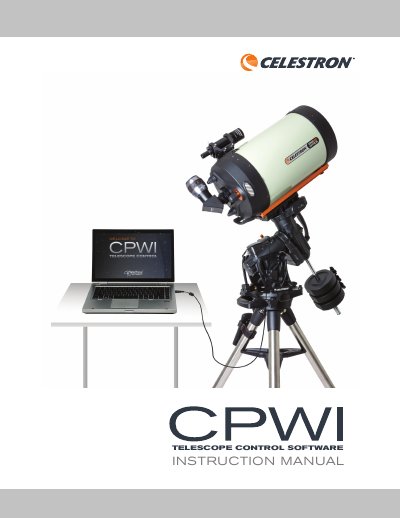
This manual provides instructions for using the Celestron PWI (CPWI) telescope control software on a computer. It details the system requirements, including operating system versions and necessary hardware connections. The software allows users to align their Celestron computerized mounts, slew to celestial objects, and access features like the SkyViewer planetarium.
| Operating System | Windows 7, 8, or 10 |
|---|---|
| Hard Drive Storage | 15 MB |
| Memory | 64 MB |
| Recommended Screen Resolution | 1024 x 768 or higher |
| Internet Connection | Required |
CPWI is compatible with mounts such as CGE PRO, CGX / CGX-L, CPC / CPC Deluxe, CGEM II, NexStar Evolution, Advanced VX, NexStar SE, NexStar SLT, Astro Fi, SkyProdigy, and LCM.
You can connect via USB (for CGX/CGX-L), using the hand control port (Mini USB or Serial), or via WiFi using the SkyPortal module or internal WiFi.