
This document is a manual for a Celestron Ultima Pan/Tilt Head Tripod. It introduces the features of the tripod and how to use it.
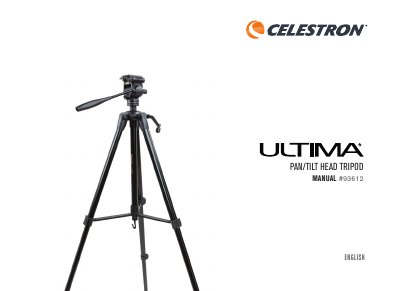
The Celestron Ultima Pan/Tilt Head Tripod #93612 is designed to provide a stable platform for spotting scopes, binoculars, or cameras in outdoor settings. The manual details how to adjust the pan/tilt head using tension and tilt control knobs, extend the center column, and secure the quick release plate for various optical devices.
| Maximum Load | 8.8 lb (4 kg) |
|---|---|
| Warranty Period | Two years |
Loosen the panning tension knob to move the head horizontally, and loosen the tilt control knob to adjust the mounting platform vertically.
Loosen the center column lock knob, move the column to the desired height, and then tighten the lock knob to secure it.
The balance hook can support a maximum load of 8.8 lb (4 kg).