
Celestron 9X60 Binocular Instruction Manual

This instruction manual introduces the use and care of Skymaster 9X60 binoculars
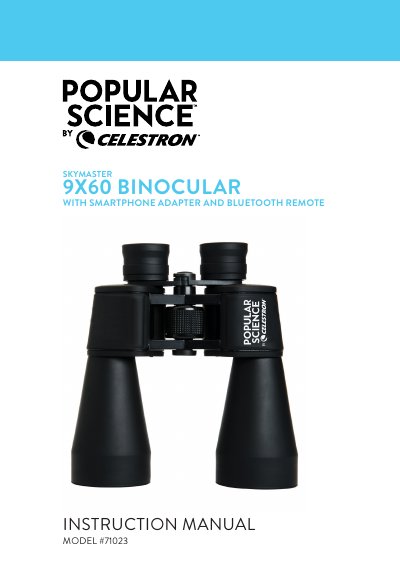

Celestron 9X60 Binocular Instruction Manual - cover page
Brand
Celestron
Category
Other
Document type
User Manual
Language
English
Pages
6
File format
PDF
File size
1.2 MB
Published
17 October, 2023
Updated
17 October, 2023
MD5 checksum
1CB807018D7BDD03B784B6C648D378F9

About this manual

This manual provides instructions for the Celestron 9X60 binocular, which includes a smartphone adapter and a Bluetooth remote. It details how to adjust the interpupillary distance and diopter compensation for optimal viewing, as well as how to use the included accessories.

What's inside

  • Adjusting the Interpupillary Distance
  • Setting the Diopter Compensation
  • Parts of a Binocular
  • Care and Cleaning
  • Using the Smartphone Adapter
  • Using the Bluetooth Remote
  • Battery Replacement
  • Warranty Information

Specifications

Magnification9X
Objective Lens Diameter60mm
Battery TypeCR2032

Frequently asked questions

How do I adjust the interpupillary distance?

Move the two halves of the binoculars about the hinge until you see one clear circle of image through both eyes.

How do I set the diopter compensation?

Focus the right eye using the center focus dial, then cover the right lens and use the diopter compensation dial to focus the left eye.

How do I pair the Bluetooth remote?

Press and hold the button on the remote for 5 seconds until a blue light turns on and starts to blink.

Download PDF (1.2 MB)

More Celestron Manuals


View all Celestron manuals →