
This is the instruction manual for Celestron LCD Deluxe Digital Microscope. It is a high precision optical instrument that can observe yeasts, molds, cultures, plant and animal parts, fibers, bacteria, etc. It can also observe thin, small objects such as coins, stamps, PC boards, insects, etc.
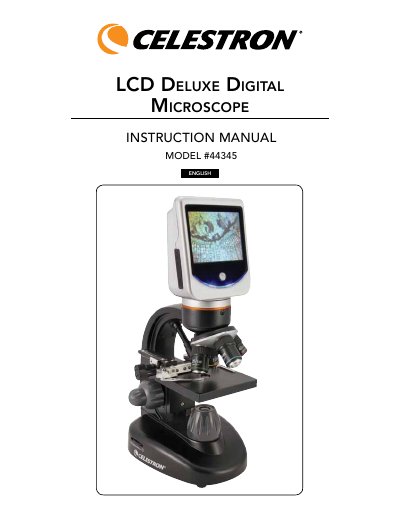
This document is the instruction manual for the Celestron LCD Deluxe Digital Microscope (Model #44345). It describes a precision optical instrument featuring a 3.5-inch touch screen monitor, built-in digital camera, and magnification capabilities ranging from 40x to 1600x with digital zoom. The microscope is designed for users aged 13 and above to examine specimens such as yeasts, molds, bacteria, plant fibers, and small objects like coins or insects.
| Magnification Range | 40x up to 1600x with digital zoom |
|---|---|
| LCD Monitor Size | 3.5 inch touch screen |
| LCD Screen Resolution | 320 x 240 pixels |
| Stage Dimensions | 3.5" x 3.5" (88 mm x 88 mm) |
Push and hold down the power button until the LED light below the button comes on and you see 'Celestron Digital Microscope' on the screen.
The lowest power available on this microscope is 40x.
It is mainly suited for examining specimen slides of yeasts, molds, cultures, plant fibers, and animal parts.