
Celestron CGEM DX Computerized Equatorial Mount Instruction Manual

This manual introduces the assembly, leveling, moving, balancing and power connection of CGEM DX computerized equatorial mount.
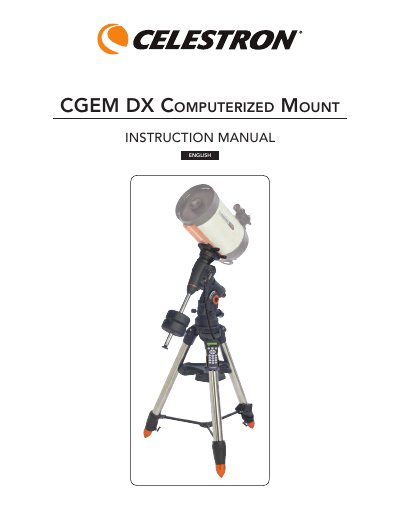

Celestron CGEM DX Computerized Equatorial Mount Instruction Manual - cover page
Brand
Celestron
Category
Other Electronics
Document type
User Manual
Language
English
Pages
38
File format
PDF
File size
1.5 MB
Published
16 October, 2023
Updated
16 October, 2023
MD5 checksum
0AC91BD121A1CE3367E76271897496F4

About this manual

The Celestron CGEM DX is a computerized GoTo equatorial mount designed for amateur astronomers. It features a comprehensive database of over 40,000 objects, fully enclosed optical encoders for precise position location, and an ergonomically designed structure that disassembles into portable pieces. The mount includes standard features such as database filter limits for custom object lists and storage for user-defined objects.

What's inside

  • Introduction
  • Assembly
  • Setting up the Tripod
  • Attaching the Accessory Tray
  • Attaching the Azimuth Adjustment Knobs
  • Attaching the Equatorial Mount
  • Installing the Counterweight Bar
  • Installing the Counterweight
  • Powering the Mount
  • Hand Control Operation

Frequently asked questions

What safety warning applies to using the telescope with the sun?

Never look directly at the sun or use the telescope to project an image of the sun onto any surface, as this can cause permanent eye damage or internal heat build-up that damages equipment.

What is the maximum number of deep-sky objects stored in the mount's database?

The comprehensive database contains over 40,000 objects, including customized lists of all the best deep-sky objects.

How many counterweights are included with the CGEM DX mount?

Depending on which telescope model you have, you will receive either one, two or three counterweights.

Download PDF (1.5 MB)

More Celestron Manuals


View all Celestron manuals →