
Fusion Remote /Fusion Remote Black User’s Manual, Introduces the features and characteristics of Fusion Remote / Fusion Remote Black Media Center Case products
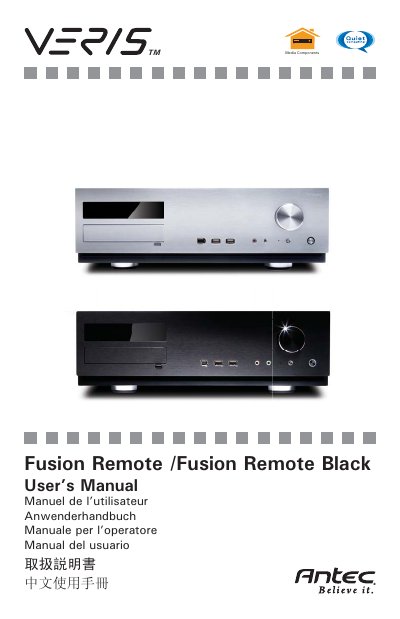
The Antec Fusion Remote and Fusion Remote Black are media center cases designed with a triple-chamber structure to isolate heat and noise. The case includes preinstalled fans for CPU cooling and a toolbox with necessary screws for component installation. Users are advised to use compatible power supplies with long enough harnesses to reach motherboard and peripheral devices.
Installation covers mounting the motherboard, power supply, and various front panel connectors including USB, IEEE 1394, and audio ports. The manual details connecting the LCD display and remote control, which supports MCE-compatible IR receivers and iMEDIAN HD software. It also provides instructions for installing hard drives and 5.25" external devices.
| Chamber Structure | Triple Chamber |
|---|---|
| Preinstalled Fans | two 120mm TriCool fans |
| Hard Drive Capacity | two hard drives |
| External Drive Bay | one 5.25" drive bay |
No, the Fusion Remote comes without a power supply. You must choose a compatible power supply with a long enough harness.
Yes, the case provides mounting holes allowing the power supply to be installed upside up or upside down.
Connect the Power Switch from the front I/O to the LCD display module by default to enable remote power control.