
This is the user manual of Antec Mini Skeleton-90, which introduces the product's specific model, specifications, installation instructions, etc.
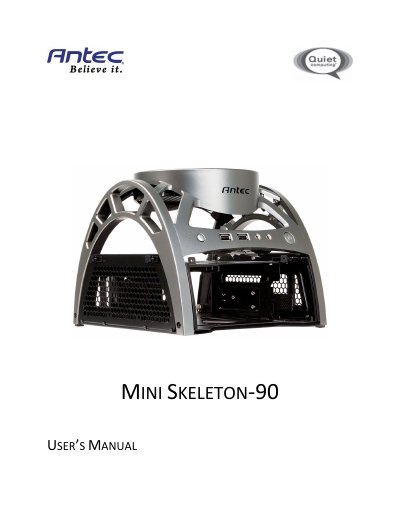
The Antec Mini Skeleton-90 is an open-air Mini-ITX computer enclosure designed to provide a flexible computing solution without the limitations of a standard enclosure. The case consists of a main Component Tray that holds the motherboard, drives, and power adapter, which slides into a Frame. It features an innovative design that allows for easy access to components and cable routing.
| Case Dimensions | 7.5" (H) x 8.3" (W) x 9.1" (D) |
|---|---|
| Weight | 5.5 lbs / 2.5 kg |
| Motherboard Size | Mini-ITX |
| Power Supply | EP-90: 90-watt power adapter |
| Overhead Fan Size | 150mm |
| Rear Fan Size | 70mm |
| Drive Bays | 2 x Quick Release 2.5" Hard Drive Bays |
No, the Mini Skeleton comes without any panels or cover.
No, there is no Power LED in this case; the illuminated case fans turn on when there is power.