
This user manual introduces the features and installation methods of Antec Sonata III 500 case.
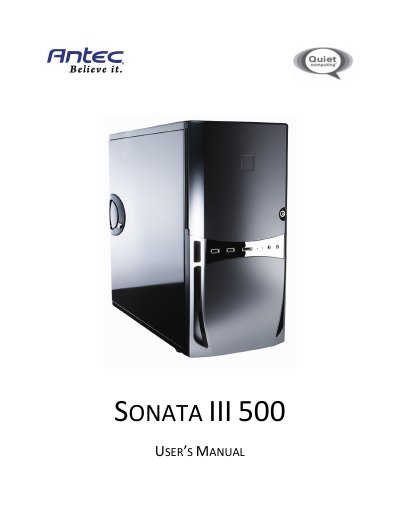
The Antec Sonata III 500 is a Mid Tower computer case designed to be quiet and easy to use. It features a rear TriCool™ fan, washable air filters, and support for Mini-ITX, microATX, and Standard ATX motherboards. The included Earthwatts EA-500D Green power supply unit supports universal input between 100V and 240V.
| Case Type | Mid Tower |
|---|---|
| Color | Gloss Black |
| Dimensions (Imperial) | 19.5 "(H) x 10.5" (W) x 21.5" (D) |
| Weight | 9.1kg / 20.2 lbs |
| Cooling (Included) | 1x Rear 120mm TriCool™ LED fan |
| Expansion Slots | 7 |
| Motherboard Size Support | Mini-ITX, microATX, Standard ATX |
| Front I/O Panel Features | 2 x USB 2.0, External eSATA, AC'97 / HD Audio In and Out |
| Warranty Period | three-year limited warranty on parts and labor |
In most cases, no. The case was designed for standard usage levels, but you can add another fan using the provided mount if upgrading to high-temperature hardware.
Yes. All Antec cases are designed for Intel specifications and are backwards compatible with older case standards.
The Sonata III 500 and the included EA-500D Green PSU have a three-year limited warranty on parts and labor.