
Antec ISK 110 VESA Mini-ITX Desktop Case User's Manual

The user manual introduces how to install hardware in the ISK 110 VESA, including the motherboard, 2.5-inch devices, the front I/O interface, VESA mounting system and stand.
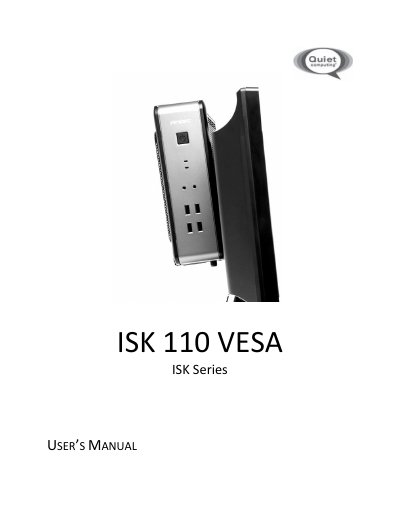

Antec ISK 110 VESA Mini-ITX Desktop Case User's Manual - cover page
Brand
Antec
Category
Desktops
Document type
User Manual
Language
English
Pages
11
File format
PDF
File size
708 KB
Published
16 October, 2023
Updated
16 October, 2023
MD5 checksum
DF79D47A9BA20492745DA8594E9F48BD

About this manual

The Antec ISK 110 VESA is a compact black Mini-ITX desktop case designed with a built-in stand or optional VESA mounting system. It features two internal 2.5-inch drive bays and includes a 90-watt power adapter for operation.

What's inside

  • Case Specifications
  • Power Supply Specifications
  • Hardware Installation Guide
  • Removing the Left Panel
  • Motherboard Installation
  • Internal Device Installation
  • Connecting Front I/O Ports
  • VESA Mounting System

Specifications

Case TypeMini-ITX Desktop
Dimensions (H x W x D)8.7" x 3.1" x 8.4"
Net Weight2.9 lbs / 1.3 kg
Drive Bays2 x 2.5" internal drive bays

Frequently asked questions

How many internal drive bays does the case have?

The case includes two internal 2.5-inch drive bays.

Can this case be mounted to a monitor arm?

Yes, it comes with an included VESA mounting system for attachment to compatible mounts.

Download PDF (708 KB)

More Antec Manuals


View all Antec manuals →