
This manual introduces the installation instructions for the Antec P183 V3 case, including the case's specifications, structure diagram, power supply installation, motherboard installation, hard disk installation, front IO interface connection, cooling system, etc.
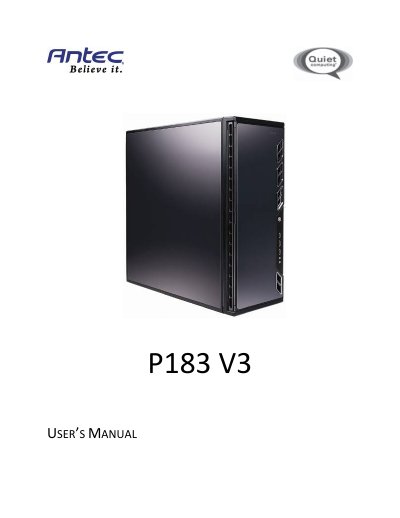
This manual provides instructions for setting up the Antec P183 V3 Advanced Mid Tower case. It details the installation of the power supply, motherboard, and various drive bays, including specific procedures for internal and external 3.5" and 5.25" devices. The guide also explains how to manage cables and install optional fans.
| Case Type | Advanced Mid Tower |
|---|---|
| Dimensions | 21.3" (H) x 8.1" (W) x 19.9" (D) |
| Cooling Fans | 1 x Rear 120 mm TriCool fan, 1x Top 120 mm TriCool fan |
| Drive Bays | 11 Drive Bays: 4x External 5.25", 1x External 3.5", 6x Internal 3.5", 2x Internal 2.5" |
| Expansion Slots | 7 |
| Motherboard Size | Mini-ITX, microATX, Standard ATX |
| Front I/O Panel | 2 x USB 2.0, 1 x USB 3.0, AC'97 / HD Audio In and Out |
No, the P183 does not come with a power supply. You must choose a compatible power supply with a long enough power harness.
The case supports Mini-ITX, microATX, and Standard ATX motherboards.
Users should check the air filters at least once a month initially, though frequency depends on environmental conditions and system usage.