
Antec Three Hundred Two User Manual
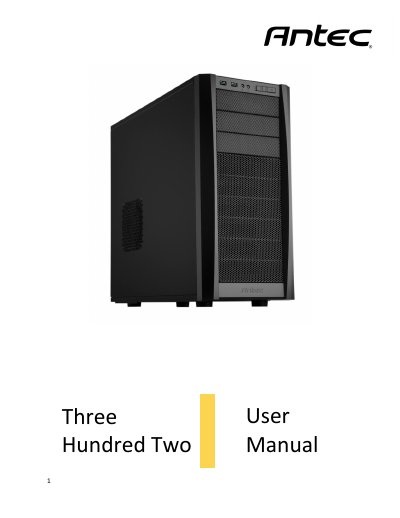
The Antec Three Hundred Two is a mid-tower computer enclosure designed for high-performance systems. It features tool-less drive bays, advanced cooling with standard included fans, and support for various motherboard form factors including ATX, microATX, and Mini-ITX.
This guide details the complete installation process, from removing side panels to installing the motherboard, power supply, and optional expansion devices. It also covers the configuration of front I/O ports, cable management, and the maintenance of air filters.
| Chassis Type | Mid Tower |
|---|---|
| Dimensions (H x W x D) | 513 mm x 229 mm x 471 mm |
| Weight | 15.3 lbs / 6.9 kg |
| Expansion Slots | 8 |
| Included Rear Fan Size | 120 mm TwoCool fan |
| Included Top Fan Size | 140 mm TwoCool fan |
No, the chassis does not include a power supply. You must choose one compatible with your components.
The case supports Standard ATX, microATX, or Mini-ITX motherboards.
The included cooler supports Intel LGA 1155/1156/1366/2011 and AMD AM2/AM3/AM2+/AM3+ sockets.