
《P280 User Manual》 is the user manual of Antec P280 chassis.
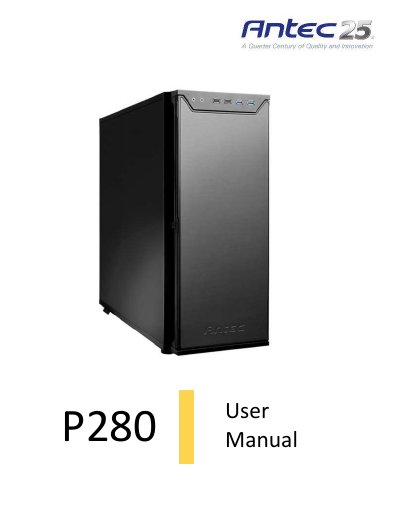
This manual provides instructions for the Antec P280, a Super Mid-Tower enclosure featuring Quiet Computing panels, tool-less drive bays, and support for XL-ATX motherboards. It details the setup process, including motherboard installation, power supply mounting, and the configuration of included TwoCool fans.
| Chassis Type | Super Mid-Tower |
|---|---|
| Dimensions | 20.7" (H) x 9.1" (W) x 22.1" (D) |
| Weight | 22.3 lbs / 10.2 kg |
| Motherboard Support | XL-ATX, Standard ATX, microATX, Mini-ITX |
| Expansion Slots | 9 |
| Included Fans | 2 x 120 mm top, 1 x 120 mm rear |
| Drive Bays | 3 x 5.25", 6 x 3.5"/2.5", 2 x 2.5" |
No, the P280 does not include a power supply.
The default fan speed setting is Low.
We recommend checking the air filter at least once a month initially.