
Panasonic DMC-FZ1000 Digital Camera Operating Instructions

This document is about the basic operating instructions of Panasonic DMC-FZ1000 digital camera, mainly introducing the camera's power on, power off, shooting, playback and other functions
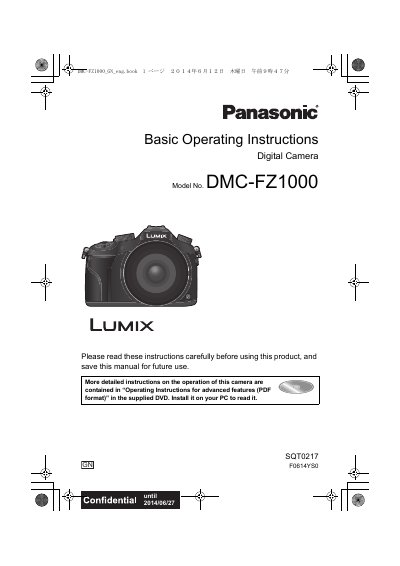

Panasonic DMC-FZ1000 Digital Camera Operating Instructions - cover page
Brand
Panasonic
Category
Digital cameras
Document type
User Manual
Language
English
Pages
88
File format
PDF
File size
5.8 MB
Published
16 October, 2023
Updated
16 October, 2023
MD5 checksum
765AD20A1BED13AEBF8AC5D70C7A824B

About this manual

This manual provides basic operating instructions for the Panasonic DMC-FZ1000 digital camera. It covers essential topics such as safety precautions, attaching accessories like lens hoods and straps, charging the battery, and inserting memory cards. The guide explains how to set up the date and time before beginning to use the device.

What's inside

  • Information for Your Safety
  • Cautions for Use
  • Standard Accessories
  • Names and Functions of Components
  • Preparations before Recording
  • Basic Operation
  • Setting the Menu
  • Taking a Still picture
  • Recording Motion Picture
  • Playing Back Pictures/ Motion Pictures

Frequently asked questions

Where can I find more detailed instructions on advanced features?

More detailed instructions are contained in the 'Operating Instructions for advanced features (PDF format)' located on the supplied DVD.

What is the recommended storage temperature and humidity for the battery?

The recommended storage conditions are a temperature between 15°C to 25°C and humidity between 40%RH to 60%RH.

Can I format the memory card on my PC?

No, you should not format the card on your PC or other equipment; it must be formatted on the camera only.

Download PDF (5.8 MB)

More Panasonic Manuals


View all Panasonic manuals →