
The ROAM Remote is Hunter's remote control system for Hunter controllers. It allows users to start and stop irrigation cycles using a wireless remote control instead of manually.
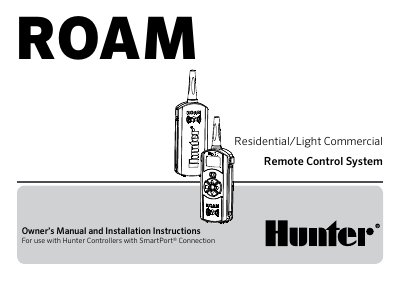
The Hunter ROAM Remote Control System is designed for use with Hunter controllers featuring a SmartPort connection. The system includes a transmitter made of sturdy ABS with a large LCD display and simple push-button operation, offering an open field range of up to 1000 feet (305 meters). It allows users to start or stop manual watering cycles remotely without returning to the controller.
| Open field range | up to 1,000 ft (305 m) |
|---|---|
| Transmitter power source | (4) AAA Alkaline Batteries |
| Receiver power source | 24 VAC, 0.010 Amps |
| System Operating frequency | 433.925 MHZ |
| Maximum stations supported | 240 |
Four AAA alkaline batteries will last an entire season for a contractor, and years for a homeowner.
No, the receiver should only be used on a temporary basis as it is not designated for permanent outdoor mounting.
The default address setting is 1.