
Installation manual for the Hunter Minimus 59452 ceiling fan, covering wiring, mounting, blade installation, and light kit assembly.
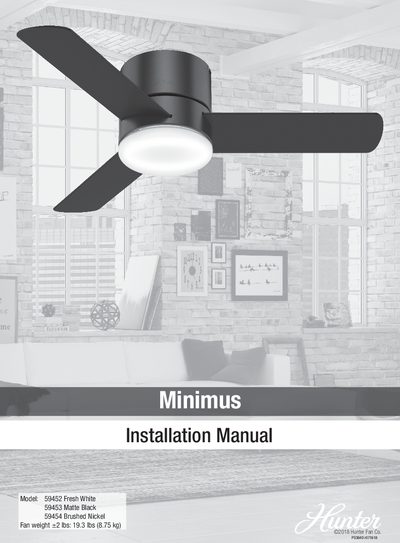
This document is the installation manual for the Hunter Minimus Model 59452 Fresh White ceiling fan. It provides step-by-step instructions for installing the ceiling bracket, hanging the fan, wiring the unit for single or dual switch configurations, and assembling the light kit and blades. The manual includes a list of required tools and safety warnings regarding electrical work and fan support.
| Fan Weight | 19.3 lbs (8.75 kg) |
|---|---|
| Minimum Wall Distance | 30 inches from blade tip to nearest wall |
| Minimum Floor Clearance | 7 feet from bottom edge of blade to the floor |
| Outlet Box Rating | 70 lbs (31.8 kg) |
You will need a 9/64" drill bit, drill, screwdriver, pliers, and wire strippers.
Yes, the manual provides specific wiring steps for setups with dual switches.
The bottom edge of the blade must be at least 7 feet from the floor.