
Installation, programming, wiring and troubleshooting guide for the Hunter EZ‑DM RC‑101 IG 11/18 decoder system.
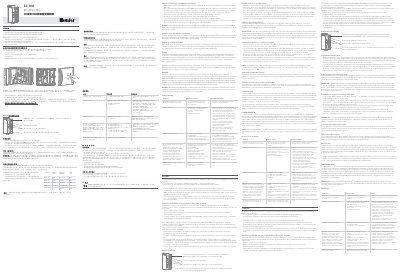
The EZ‑DM RC‑101 IG 11/18 decoder system provides a two‑wire output option for Hunter ICC2 and HCC irrigation controllers. It supports up to 54 stations and can be combined with traditional multi‑wire modules for hybrid operation.
The manual explains how to install the module in the controller, program station numbers, connect the two‑wire loop, use the P/MV jumper when needed, and troubleshoot common errors such as Err messages, duplicate station numbers, and wiring faults. This manual is written in Chinese.
| Output voltage | 24 VAC, 50/60 Hz (present only when stations are active) |
|---|---|
| Maximum stations | 54 stations |
| Cable gauge distance (example) | AWG 14 – up to 500 m |
The system can operate up to 54 stations when all modules are installed.
The decoder line provides 24 VAC at 50/60 Hz, and voltage appears only when a station is active.
No. The decoder is only compatible with Hunter ICC2 and HCC controllers.
Install the jumper between the controller’s power module P/MV terminal and the decoder’s P/MV terminal only when the decoder is used to control a pump or master valve.