
ConLine XXL (version 4.1.8) is a customized RS232/LAN converter from WolfVision for connecting WolfVision Visualizer to room management system
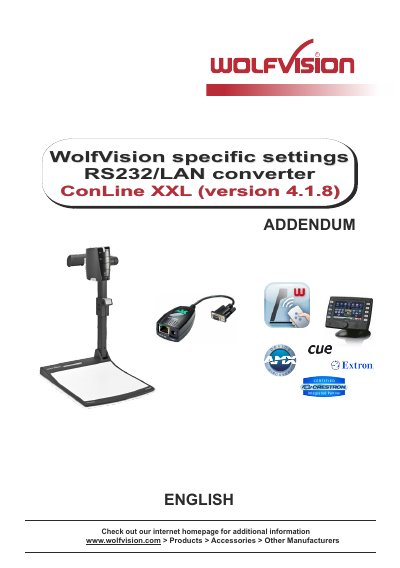
This English addendum describes WolfVision-specific settings for the ConLine XXL (firmware 4.1.8), an RS232/LAN converter that WolfVision tested from AK-Nord and provides in a customized version. It addresses connecting newer WolfVision Visualizers without an RS232 port to an RS232-only room management system.
The document explains stand-alone and network-integrated preparation, default and customized IP addresses, baud rate changes, and protocol emulation. It also describes accessing the converter's browser adjustment menu with XTAdminXXL, navigating its menus, changing the destination IP, and changing the converter IP address.
| Firmware version | 4.1.8 |
|---|---|
| Default IP address | 192.168.100.100 |
| Default subnet mask | 255.255.0.0 |
| Default baud rate | 9600 baud/s |
The default IP address is 192.168.100.100 with subnet mask 255.255.0.0 when no DHCP server is available.
Start XTAdminXXL, right-click the listed ConLine XXL, select Browser, and log in with user name xt and password xt.
Enter 1=wolfvisio and click SEND to enable protocol translation; the TCPCLIENT setting only converts the interface port from RS232 to LAN.
Enter an address such as a=10.10.0.10:50915 and click SEND, including the port number after the IP address.