
This is a PDF file that introduces the user manual of Visualizer, including connecting power supply and display, quick setup guide, basic menu settings, Ethernet settings, time settings, power switch, etc.
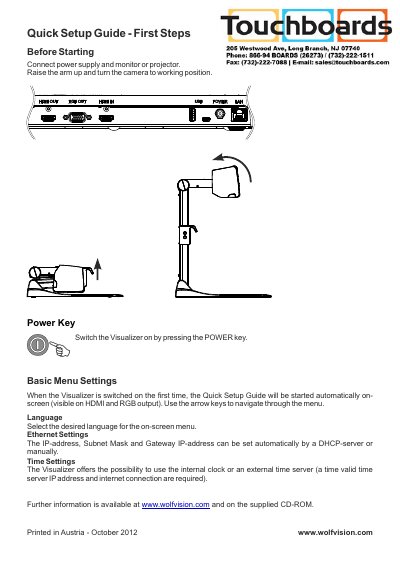
This document serves as a Quick Setup Guide for the WolfVision Visualizer. It outlines the initial steps required to prepare the device for use, including connecting the power supply and monitor or projector, and positioning the arm and camera.
Switch the Visualizer on by pressing the POWER key.
The IP-address can be set automatically by a DHCP-server or manually.
An external time server requires a valid time server IP address and an internet connection.