
This user manual provides instructions for the setup, operation, and maintenance of the Wolfvision VZ-35 Visualizer.
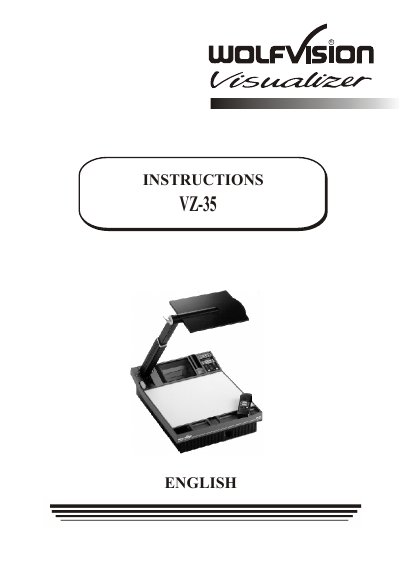
The Wolfvision VZ-35 is a visualizer designed to project images from documents or objects onto a screen. It features an internal light projector synchronized with a video camera, allowing users to zoom and focus on subjects placed on a working surface or outside of it. The unit includes controls for autoiris/manual iris adjustments, lighting management, and preset functions for quick configuration changes.
| Object Height Limit | up to 9.7" (25 cm) |
|---|---|
| Factory Setup Format | A5 format |
The Y/C output is recommended for live image projection because it offers better picture quality and resolution.
The unit can display objects up to 9.7 inches (25 cm) in height due to a special lens.
The Y/C output (#37) is highly recommended because it offers much better picture quality and resolution than the Composite output.
The light-field shifts to the left, meaning it no longer exactly shows the recorded area.