
WolfVision VZ-8light Visualizer User Manual

User manual for the WolfVision VZ-8light visualizer, covering setup, controls, and operation modes.
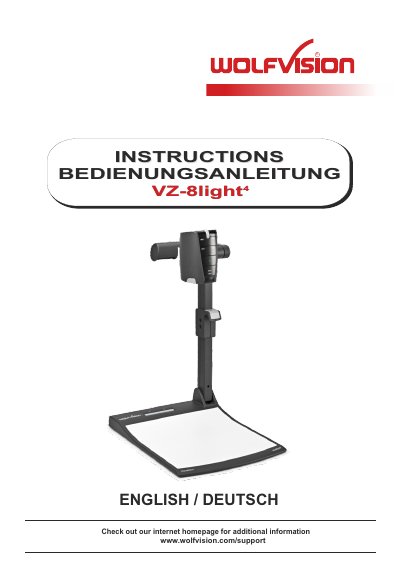

WolfVision VZ-8light Visualizer User Manual - cover page
Brand
WolfVision
Document type
User Manual
Language
English
Pages
4
File format
PDF
File size
462 KB
Published
05 November, 2026
Updated
05 November, 2026
MD5 checksum
10E32517478783EAB887F0792C7E09B8

About this manual

This manual guides users through setting up and operating the WolfVision VZ-8light visualizer. It details key functions like zoom, focus, and external input switching. The device features a crystalline white working surface for optimal transparency reproduction and includes a power-on preset for quick setup. Controls are simplified for ease of use, with intuitive keys for freezing images, adjusting focus, and switching modes.

What's inside

  • Components of the Visualizer
  • Power-on Preset
  • Working Surface
  • Zoom and Focus Controls
  • External Input Switching
  • Setup Instructions

Frequently asked questions

What is the approximate image width of the power-on preset?

The power-on preset sets the middle zoom size to an approximate image width of 14 cm.

What happens if the POWER key is pressed for 2 seconds?

Pressing the POWER key for 2 seconds activates the on-screen menu.

What should be done to lift the arm of the Visualizer?

You should use the pull pad only to lift the arm upwards.

Download PDF (462 KB)

More WolfVision Manuals


View all WolfVision manuals →