
User manual for WolfVision EYE-12 visualizer covering setup, operation, safety, and remote control use.
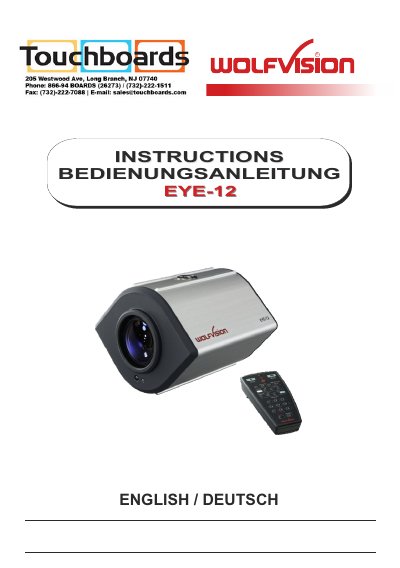
This manual guides users through setting up and operating the WolfVision EYE-12 visualizer. It covers connecting devices, using the remote control, adjusting settings, and safety precautions. The EYE-12 features auto-focus, auto-iris, digital zoom, and preset functions for image control. Safety warnings include proper voltage use, avoiding moisture and extreme heat, and handling laser pointers with care.
The remote control includes keys for zoom, focus, white balance, and preset recall. The unit supports RGB and DVI outputs and can be connected to projectors or monitors. Digital zoom extends the optical zoom to 48x, but resolution decreases. White balance can be set to auto-tracking, one-push, or manual modes for accurate color reproduction.
| Laser Wavelength | 635 - 680nm |
|---|---|
| Zoom Range | Optical 12x, Digital 4x (total 48x) |
| White Balance Modes | Auto Tracking, One Push, Manual |
The unit has an optical 12x zoom, which increases to a total 48x zoom when digital zoom is activated.
Press the FREEZE key for 2 seconds to recall preset 1.
The default setting is "Auto Tracking", which continuously adjusts the white balance automatically.