
Key facts
- Brand
- Vivotek
- Model
- 51P
- Documents
- 2
- Languages
- EN
- Last added
- 2023-10-16
Start here
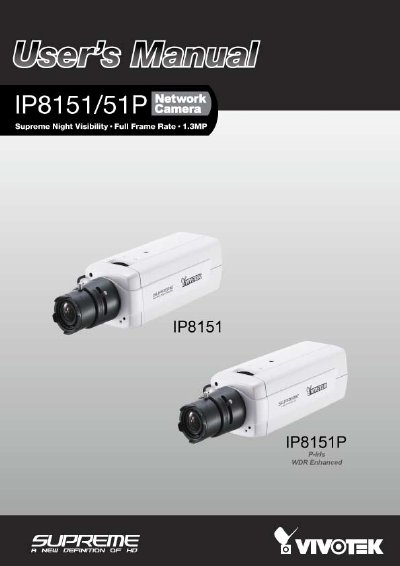
VIVOTEK IP8151/51P Network Camera User's Manual
This manual provides instructions for the VIVOTEK IP8151/51P network camera, a 1.3MP surveillance device featuring Supreme Night Visibility and full frame rate capabilities. It details the package contents, physical description, and hardware installation steps, including mounting the CS-mount lens and connecting power and data cables.
Read onlineVIVOTEK 51P specifications
| Resolution | 1.3MP |
|---|---|
| Power Input | AC 24V |
| Storage Support | SD/SDHC 16GB / 8GB |
| Network Interface | Ethernet 10/100 |
All VIVOTEK 51P documents by type
Day-to-day operation, settings and troubleshooting. Start here if the product is already set up.
Questions answered in these manuals
What is the recommended way to reset the camera?
Press and release the recessed reset button with a paper clip or thin object to reboot the system.
How do I restore factory default settings?
Press and hold the recessed reset button until the status LED rapidly blinks.
How do I reset the camera to factory defaults?
Press and hold the indented reset button for over 30 seconds until the status LED rapidly blinks red and green; this restores factory settings.
What power options are available for the PZ7151 model?
The PZ7151 can be powered via 12 V DC adapter or through Power over Ethernet (PoE) using an 802.3af‑compliant switch.