
Seagate Backup Plus Ultra Touch User Manual, introduces the features and characteristics of the product, usage methods, etc.
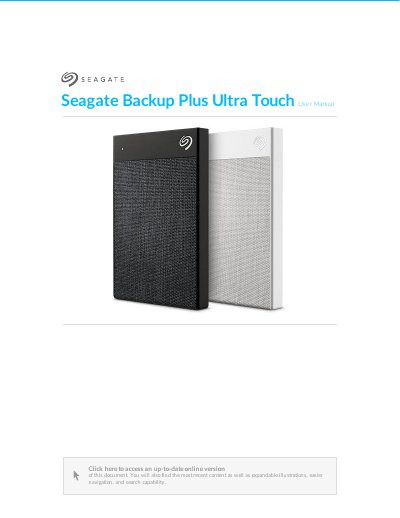
The Seagate Backup Plus Ultra Touch is an external hard drive designed to deliver peace of mind through password protection and customizable backup options. The device features USB-C and USB 3.0/2.0 compatibility, allowing connection to computers with various port types including Thunderbolt 3.
To begin using the drive, users must connect the included Micro B to USB-A cable (with an optional USB-C adapter) and install the Seagate Toolkit software on a computer running Windows 7 or higher or macOS 10.11 or higher. The toolkit enables security setup, folder mirroring, and backup planning.
| Operating System (Windows) | Windows 7 or higher |
|---|---|
| Operating System (macOS) | macOS 10.11 or higher |
| Minimum free disk space | 600MB recommended |
| USB-C Transfer rates (Thunderbolt 3) | up to 40Gb/s |
The drive requires Windows 7 or higher, macOS 10.11 or higher, and a computer with USB-C, Thunderbolt 3, or USB-A ports.
The package includes a Micro B to USB-A cable and a USB-A to USB-C adapter.
Use the provided Micro B to USB-A cable along with the included USB-C adapter for optimal transfer rates.
Open Disk Utility via Go | Utilities | Disk Utility and check your Finder preferences.