
Seagate portable external hard drive is lightweight and portable. It can instantly add storage space to your computer and let you take large files with you. Just connect a USB and you can use it immediately without installing software and setting. It also supports ultra-fast data transmission rates and 5400 RPM hard drive performance.
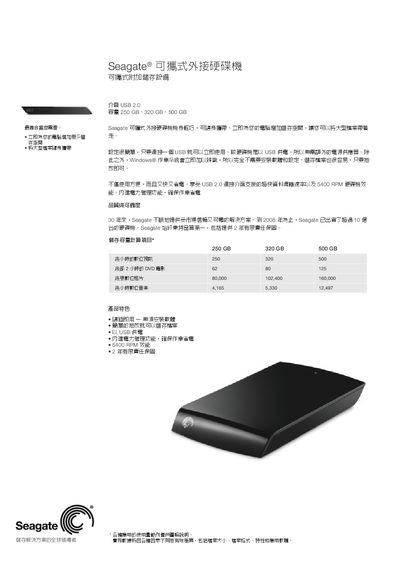
The Seagate portable external hard drive provides plug‑and‑play storage via a single USB 2.0 connection. It is powered directly from the USB port, requires no external power adapter, and includes built‑in power‑management for energy efficiency.
The drive is offered in 250 GB, 320 GB and 500 GB capacities, runs at 5400 RPM, and comes with a two‑year limited warranty. Physical dimensions are approximately 5.28 × 1.84 × 6.68 inches and it weighs about 0.35 kg. It is compatible with Windows Vista, Windows XP and Mac OS X 10.4.8 or later. This manual is written in Chinese.
| Interface | USB 2.0 |
|---|---|
| Capacity | 250 GB, 320 GB, 500 GB |
| Rotational Speed | 5400 RPM |
| Warranty | 2‑year limited warranty |
| Supported OS | Windows Vista, Windows XP, Mac OS X 10.4.8+ |
It works with Windows Vista, Windows XP, and Mac OS X 10.4.8 or later.
The drive is offered in 250 GB, 320 GB, and 500 GB versions.
The drive spins at 5400 RPM.