
This manual provides instructions for installing and using the SolarTouch Solar Control System.
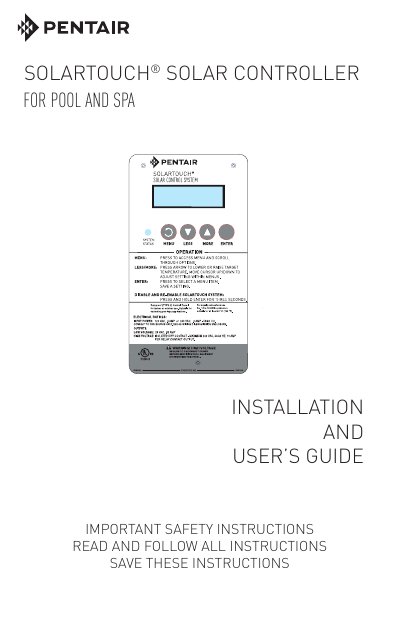
The Pentair SolarTouch Solar Control System is designed to maximize available solar heat by monitoring the temperature of both solar collectors and pool water. The system consists of a four-button controller, a valve actuator, a positive sealed diverter valve, and two temperature sensors. It automatically diverts water flow between filtration/heating equipment and solar collectors when heating is required and solar energy is available.
| Controller Buttons | four button controller |
|---|---|
| Temperature Range | 40F to 104F |
Press and hold the Enter button for three seconds to disable all functions; press and hold again for three seconds to re-enable.
After power is restored, the previous user settings are automatically restored.
No, if using IntelliFlo or IntelliPro pumps, an external 24 hour time clock for daily filtering is not required.