
This manual describes the basic functions and operation of the Rotronic HygroLog HL20 and HL21 data loggers.
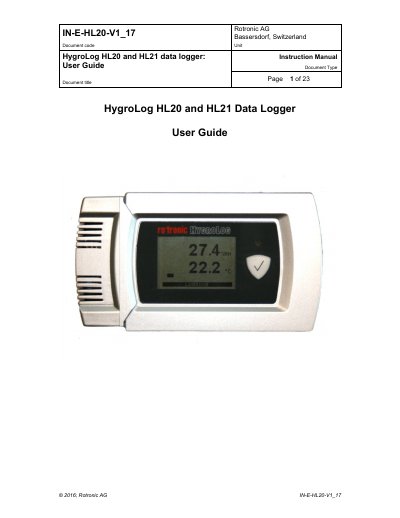
The document provides instructions for using the HygroLog HL20 (humidity and temperature logger) and HL21 (temperature logger). It details general descriptions including models with or without optional LC displays, required accessories like the AC3006 cable and HW4 software, and battery management. Key operational features include real-time clock settings, memory capacity of 20,000 values, function key usage for logging control, and status indicator LEDs.
| Relative humidity range | 0 to 100 %RH, non condensing |
|---|---|
| Temperature range (no display) | -10 to 60°C (14 to 140°F) |
| Temperature range (with display) | 0 to 50°C (32 to 122°F) |
| Memory capacity | 20,000 pairs of values |
| Power source | Three AA batteries (1.5V) |
A PC with the ROTRONIC HW4 software installed (version 2.4.0 or higher).
Up to 4 hours after initial charge.