
This is a user manual for the handheld humidity sensor HP23, which introduces the characteristics and usage methods of the handheld humidity sensor HP23.
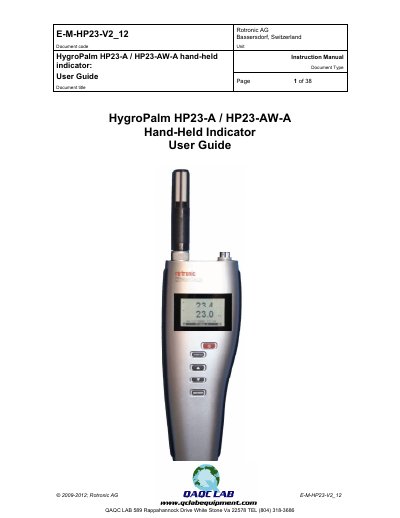
The HP23 is a multifunction hand-held indicator with data logging capability, designed for spot check measurements of HVAC installations, manufacturing processes, and bulk materials like seeds or powders. It features two probe inputs that can be configured for digital HygroClip 2 humidity-temperature probes or analog probes measuring signals such as barometric pressure or air velocity. The device includes a real-time clock and can be powered by a standard 9 V alkaline battery or a rechargeable battery.
| Operating range (RH) | 0 to 100 %RH |
|---|---|
| Operating range (Temperature) | -100 to 200 C |
| Data logging capacity | up to 10,000 values |
| Data capture bins | eight data bins |
| Bin capacity | up to 250 values |
| Power supply | 9 V alkaline or rechargeable |
The HW4 software is required to download and view the recorded data.
Yes, it can be used to read and adjust other ROTRONIC instruments based on AirChip 3000 technology.
It is a specialized mode available only with the HP23-AW model for measuring the water activity (Aw) of product samples and materials in bulk.