
This user guide covers the operation, settings, maintenance, and technical specifications of the Rotronic HP22 hand-held indicator for measuring humidity…
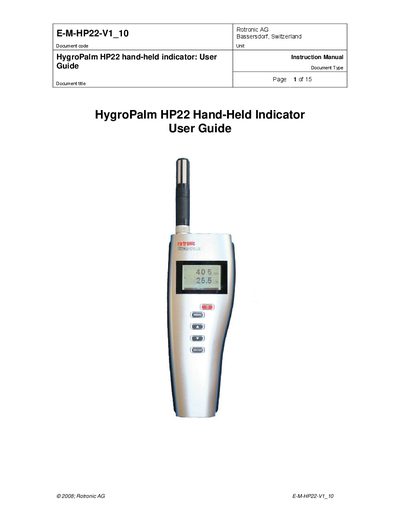
The document serves as an instruction manual for the HygroPalm HP22 hand-held indicator. It details the device's capabilities to measure relative humidity, temperature, and calculated parameters such as dew point or frost point using compatible HygroClip 2 probes.
The guide provides instructions on user-configurable settings via PC software (ROTRONIC HW4), operation of the display and keypad, maintenance procedures including battery replacement and probe cleaning, and technical data specifications.
The HP22 is a hand-held indicator that displays relative humidity, temperature, and a calculated parameter such as the dew or frost point.
The HP22 operates with a regular 9V alkaline battery.
The temperature operating range of the HP22 electronics is limited to -10…60°C.