
This instruction manual describes the operation method of the dedicated functions of MKN716, including home state, indoor machine control, machine scene control and machine name setting.
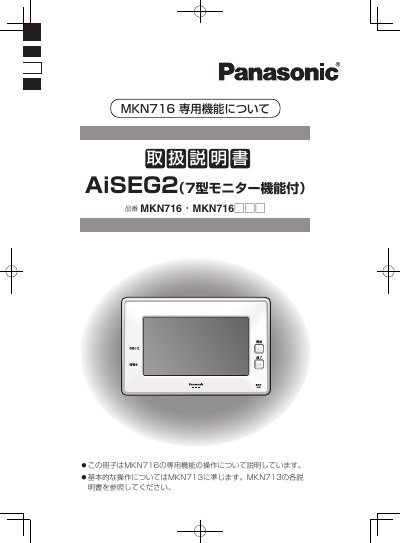
This document serves as a guide for the specific functions of the Panasonic MKN716 model. It details how to check the overall status of the home, such as electricity usage and room temperature, and how to access the Smart Home FAN site. Users are instructed to press the Start button to view the Home status screen and the Menu button to navigate to the Smart Home site. This manual is written in Japanese.
The Smart Home FAN site cannot be displayed, and a message stating 'Please connect to the internet' may appear if the connection has been absent for over 54 hours.
This manual explains the operation of the dedicated functions for the MKN716.
The Smart Home FAN site cannot be displayed if the internet line is not connected.
A message appears if the internet line has not been connected for more than 54 hours.