
SATA / 150 PCI CARD Installation Guide is a product installation guide published by Maxtor Corporation, which introduces the product's features and installation methods.
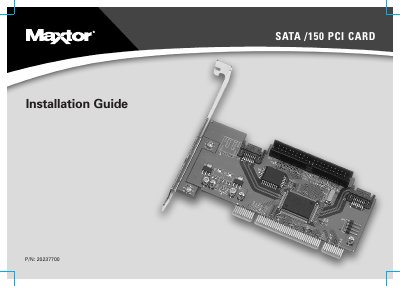
This guide provides step-by-step instructions for installing the Maxtor SATA/150 PCI Card into a computer system. It details the necessary tools, handling precautions for electrostatic discharge, and the physical installation of the card into a PCI slot. The document also explains how to connect SATA and Ultra ATA hard drives to the card's ports.
| Interface Ports | Two SATA/150 ports and one parallel Ultra ATA/133 port |
|---|---|
| Supported Devices | Serial ATA drives and Ultra ATA/IDE hard drives |
| Slot Compatibility | 32-bit PCI slot or 32-bit portion of a 64-bit PCI slot |
You need a Philips screwdriver, small needle-nose pliers, and a full version of your operating system.
No, the card does not support ATAPI devices such as Zip drives or CD/DVD drives.