
This manual introduces the features and usage of M3 Station series external hard drive
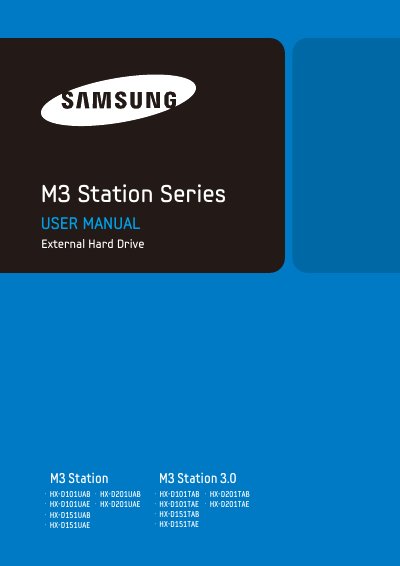
The M3 Station Series External Hard Drive is a high-performance portable storage device that supports USB 2.0 and USB 3.0 interfaces. It allows users to instantly add storage capacity to their systems without requiring internal computer modifications. The drive comes fully partitioned and formatted for immediate use upon connection.
| Interface | USB 2.0 / USB 3.0 |
|---|---|
| Transfer Rate | 480 Mbps Max. / 5 Gbps Max. |
| Power | DC +12V, 2.0A |
| Operating System | Windows XP / Vista / 7 / Mac OS X 10.4.8 or Later |
| Hard Disk Capacity | 1TB, 1.5TB, 2TB |
| Dimensions | 47mm X 130mm X 180.6mm |
The M3 Station uses a USB 2.0 interface, while the M3 Station 3.0 uses a USB 3.0 interface.
No, the operating system will recognize and display the drive under 'My Computer' automatically.
Yes, you can use the Samsung NTFS 3G driver, which is available for download from the Samsung website.