
Basic Manual IC-41PRO UHF TRANSCEIVER。Introduction to safety precautions before using and how to operate the functions of the radio
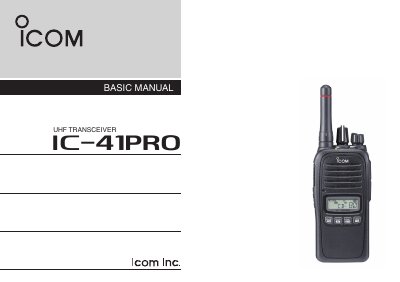
This document serves as the Basic Manual for the Icom IC-41PRO UHF transceiver. It provides essential information for operating the device, including a description of the front panel controls and indicators, as well as instructions for turning the unit on and off, receiving, and transmitting. The manual also details the supplied accessories and basic battery charging procedures using the BC-213 charger.
| Channel Spacing | 12.5 kHz |
|---|---|
| IP Rating | IP67 |
In Australia, channel 11 is the customary calling channel for establishing communication.
Rotate the [VOL] rotary selector to turn the transceiver ON or OFF.
The STATUS INDICATOR lights red while the transceiver is transmitting.