
This manual introduces the basic functions of Fanvil X2/X2P IP Phone, including safety instruction, installation, phone user interface, configuration, using, etc.
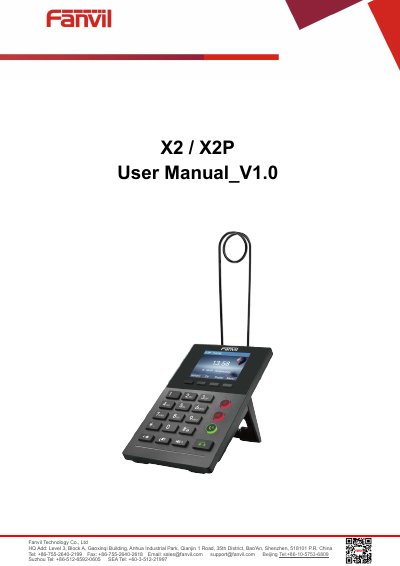
The Fanvil X2 and X2P are high-end enterprise desktop IP phones designed to increase productivity for SMB offices and call centers. The X2P model features HD voice, Gigabit Ethernet, and secure transmission capabilities, while the X2 offers a cost-effective solution with similar core features. Both models include an intuitive color screen, LED status display, and a flexible foot plate for hands-free operation.
The device is a high-end enterprise desktop phone intended to increase productivity for SMB offices, enterprises, and call centers.
You must use the external power supply included in the package, as other supplies may cause damage or noise.
The phone is designed for indoor use only and must not be placed where there is direct sunlight.