
This document is a user manual for the software version of i16V and i32V. The manual covers topics such as installation guide, basic introduction, basic functions, advanced functions, and web configurations.
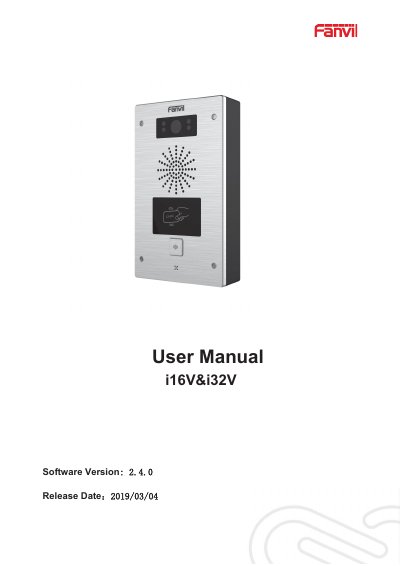
This manual provides instructions for the Fanvil i16V (SIP visual intercom) and i32V (SIP video door phone). These devices are designed for industry users and support voice transmission via IP/RTP and video via RTSP protocols. They are compatible with major SIP-based platforms such as Asterisk, Broadsoft, 3CX, and Elastix.
| Voice Protocol | IP/RTP |
|---|---|
| Video Protocol | RTSP |
| Power Supply | POE or external Power Adapter |
| Supported Platforms | Asterisk, Broadsoft, 3CX, Elastix |
The power adapter will be used in priority and will only switch to POE power supply if the adapter fails.
You can restart the device via the webpage by clicking [ System ] >> [ Tools ] >> [ Reboot Phone ], or by directly unplugging the power.