
BW530 User Manual, introduces the product's safety requirements, packaging contents, appearance, button instructions, connection ports, starting use, telephone basic operations, page settings, etc.
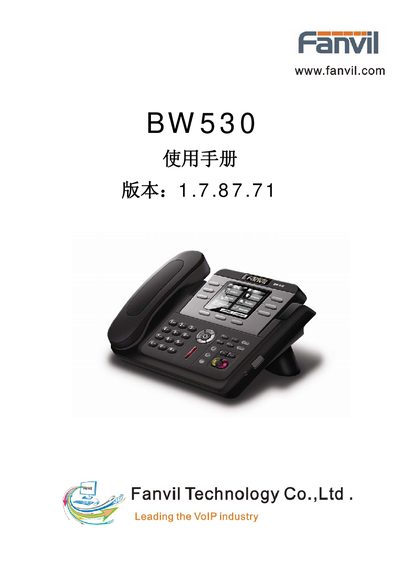
This manual covers the basic and advanced functions of the Fanvil BW530 IP phone, including hardware overview, menu navigation, and call handling. It explains how to configure network settings, SIP accounts, and optional features such as voicemail and speed dial.
Additional sections describe QoS, VPN, and other advanced settings, as well as troubleshooting tips and maintenance procedures to keep the device running smoothly.
| Network interfaces | WAN/LAN Ethernet |
|---|---|
| Supported protocol | SIP |
| VPN support | L2TP |
Use the click‑to‑dial feature to place a call directly from the phone.
Press the redial/unredial key to call the most recent number again.
Enter the SIP account details in the SIP Settings menu; the phone supports SIP privacy features.