
This manual provides instructions for setting up, configuring, and using the Fanvil C62 VoIP phone, including hardware connections, basic functions…
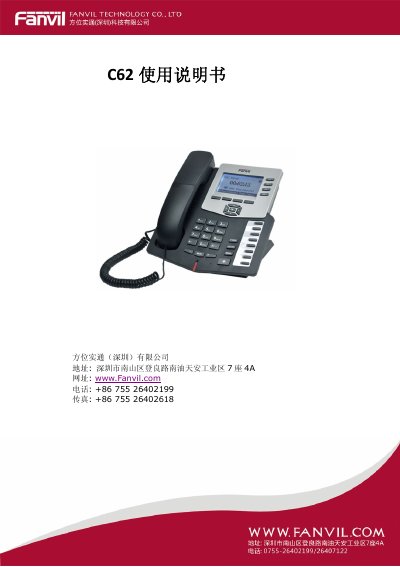
The Fanvil C62 is a VoIP telephone designed for voice communication over computer networks. This user guide covers product introduction, safety precautions, physical connection of power and network cables, and initial setup procedures.
The manual details the operation of basic phone functions such as making calls, answering incoming calls, call waiting, hold, transfer, and mute. It also explains advanced features including call pickup, join call, click-to-dial, and various programmable key configurations. This manual is written in Chinese.
| Power Input | 100-240V AC, 5V DC Output |
|---|---|
| Network Interface | 10/100Base-T RJ-45 Auto MDIX |
| LCD Display | 128x64 pixels, 53.5 x 70 mm |
| Operating Temperature | 0 to 40°C |
| Voice Codecs | G.711A/u, G.723.1 high/low, G.729a/b, G.722.1, G.726 |
| Echo Cancellation | Supports G.168, 96ms for hands-free |
The device requires an input of 100-240V AC, with a specified output of 5V.
It features WAN and LAN ports that are 10/100Base-T RJ-45 with Auto MDIX.
The C62 supports G.711A/u, G.723.1 high/low, G.729a/b, G.722.1, and G.726.
The power indicator flashes slowly (红灯慢闪) to indicate there are unanswered calls.