
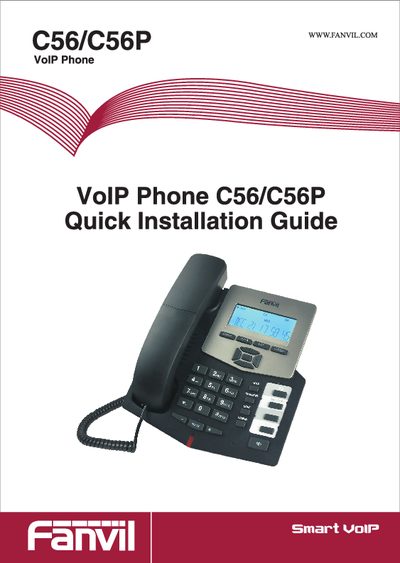
This Quick Installation Guide introduces the Fanvil C56/C56P VoIP phone, lists the items included in the package (handset, power adaptor G2, handset cord, base bracket, Ethernet cable) and shows the front view and keypad layout.
The guide walks you through connecting the phone, selecting network modes (Static, DHCP, PPPoE) via the keypad or web interface, configuring SIP settings, and making calls using either IP address or SIP number.
| Default web login | username: admin, password: admin |
|---|---|
| Package contents | Handset, Power adaptor G2, Handset cord, Base bracket, Ethernet Cable |
Lift the handset or press the speaker, then enter the address in the format #IP# (e.g., #192.168.0.1#) to call the device at that IP.