
This document is the instruction manual for the Frsky TWIN Lite Pro wireless radio module, introducing the module's functions and features, and usage methods.
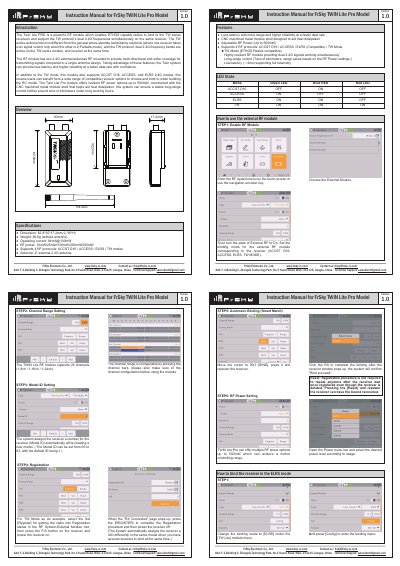
The FrSky TWIN Lite Pro is a powerful RF module designed to enable ETHOS capable radios to bind to TW series receivers while supporting dual 2.4G frequencies simultaneously via the TW protocol. Constructed with a CNC machined metal shell for heat dissipation, it offers adjustable RF power up to 500mW and supports four protocols: ACCST D16, ACCESS, ELRS, and TW mode.
| Dimensions | 62.8*30*17.2mm (L*W*H) |
|---|---|
| Weight | 36.8g (without antenna) |
| Operating Current | 84mA@100mW |
| RF Power Options | 10mW/25mW/100mW/200mW/500mW |
| Supported Protocols | ACCST D16 / ACCESS / ELRS / TW modes |
The module supports 24 channels, configurable as 1-8ch, 1-16ch, or 1-24ch.
Select the desired mode in the menu and wait 9 seconds for it to take effect.
The system assigns a number automatically, with the default ID being 1.