
RoKiX Development Kit is an evaluation platform for ROHM and Kionix. This guide introduces hardware and software environments for RoKiX Development Kit and provides evaluation methods.
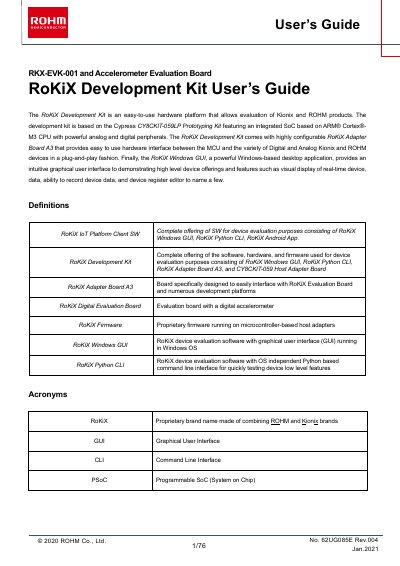
The document provides a comprehensive overview of the RoKiX Development Kit, which is based on the Cypress CY8CKIT-059LP prototyping kit. It details the hardware components, including the highly configurable RoKiX Adapter Board A3 designed to interface with various digital and analog Kionix and ROHM devices in a plug-and-play fashion.
The guide also explains how to use the accompanying software tools: the RoKiX Windows GUI for graphical data visualization and register editing, and the RoKiX Python CLI for command-line testing. It includes instructions on installation, configuration, running test applications, and troubleshooting common communication issues.
By default it supports Cypress CY8CKIT-059LP, but with hardware modifications it can also support Arduino UNO R3 and Raspberry Pi.
The kit includes a Cypress PSoC 5LP Prototyping Kit, a micro-USB cable measuring 3.3 feet or 1 meter, and a ribbon cable that is 1.5 feet or 457.20mm long.
The kit is designed to work seamlessly with the RoKiX Digital Evaluation boards, such as KX132-1211-EVK-001 and KX134-1211-EVK-001.
Users can select either the actual VBUS voltage or the output voltage from the VR1 voltage regulator (VR1_OUT) as the input to the sensor.