
This manual describes the use of BP35C5 Wi-SUN module, including module functions, hardware and software setup, communication verification and firmware update.
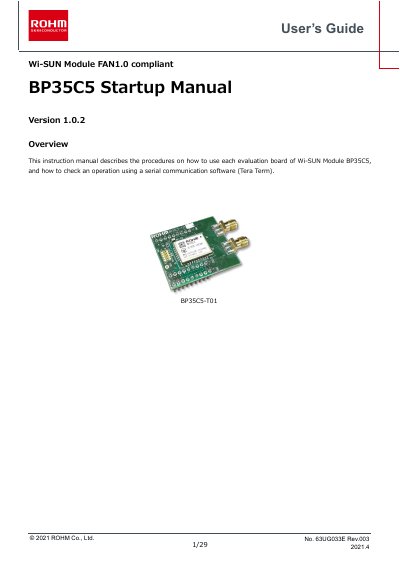
This User's Guide explains the procedures for using the ROHM BP35C5 Wi-SUN module evaluation board. It covers how to check operations using serial communication software like Tera Term and details the configuration of various network types, including Mesh, Serial, Star, and Tree networks.
The guide provides step-by-step instructions for setting up the hardware and software, connecting the evaluation board to a PC, and verifying communication. It also includes sections on updating the firmware and connecting the module via D-Sub connectors or UART through-holes. This manual is written in Chinese.
BP35C5 enables you to create Mesh, Serial, Star, and Tree networks.
The terminal software Tera Term is used to check the operation.