
This document is the user manual for Flowline EchoPod® Ultrasonic Level Transmitter UG06 & UG12 Series Manual
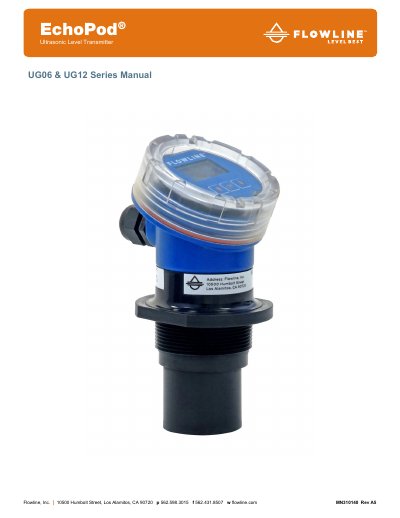
The document provides a comprehensive guide for the Flowline EchoPod Ultrasonic Level Transmitter, covering both UG06 (up to 6m range) and UG12 (up to 12m range) models. It details the reflective technology used to prevent condensation interference and explains how to configure the device using either the internal display or WebCal software.
The guide includes step-by-step instructions for installation, including fitting selection and wiring diagrams for various output types like 4-20 mA current loops and voltage outputs. It also covers troubleshooting, factory settings, and safety precautions regarding electrical connections and hazardous environments.
| Supply Voltage | 14-28 Vdc |
|---|---|
| Signal Output | 4 to 20 mA current loop; 22 mA max. |
| Temperature Range | -40 to 80 °C (-40 to 176 °F) |
| UG06 Range | 6.0m (19.69 feet) |
| Accuracy | 0.2% of Range in air at 20 °C |
The sensor can be configured using either the free WebCal software and USB Fob or with the internal display module.
The signal output supports a 4 to 20 mA current loop with a maximum of 22 mA.
No, the EchoPod should not be used within classified hazardous environments.