
This document describes the features and characteristics of HP True laser printers, as well as the various support services provided.
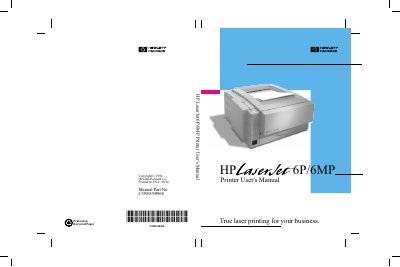
This manual provides comprehensive instructions for the setup and installation of the HP LaserJet 6P/6MP printer. It covers unpacking the device, installing the toner cartridge, connecting cables, and installing the necessary software for Windows, DOS, and Macintosh systems. The guide also details how to prepare the printer for use by loading paper and media.
| Document Part Number | C3980-90968 |
|---|---|
| Copyright Year | 1996 |
Refer to Step 4 in the Printer Setup chapter for detailed instructions on installing the toner cartridge.
The manual includes specific instructions for installing the Macintosh Printing Software.
Ensure envelopes are undamaged and not stuck together, then load them print-side up in Tray 1.