
This document provides an overview of the AirStation Wireless-N Nfiniti Ethernet Converter, Access Point, & Bridge WLAE-AG300N, including its features and hardware overview. It also covers topics such as placement, installation, configuration, and connecting to a wireless network.
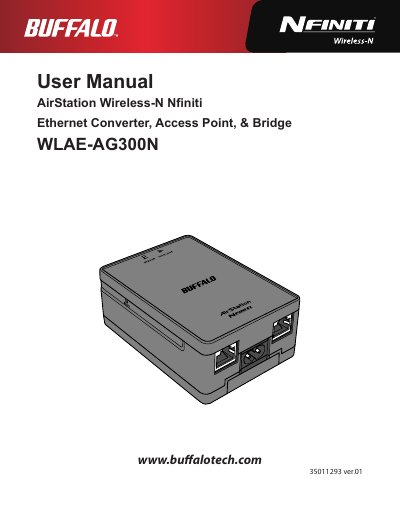
The Buffalo WLAE-AG300N is a wireless access point, bridge, and Ethernet converter supporting IEEE 802.11a/b/g/n standards. It features automatic setup via AOSS or WPS, web-based administration, and supports security protocols including WPA/WPA2 and WEP.
| Wireless LAN Standard Compliance | IEEE802.11a / IEEE802.11b / IEEE802.11g / IEEE802.11n |
|---|---|
| Maximum Link Speed (40 MHz BW) | 300 Mbps |
| Number of LAN Ports | 2 |
| Wired LAN Transmission Rate | 10 / 100 Mbps |
| Power Supply Input | AC 100-240 V Universal, 50/60 Hz |
| Operating Temperature | 0 - 40° C (32 - 104° F) |
Yes, it supports both AOSS and WPS for easier connection with compatible wireless devices.
Press and hold the Reset button on the side of the unit until the red status LED flashes for about 3 seconds.
The maximum link speed is 300 Mbps when using Wireless-N mode with dual 40 MHz channels.